Overview · 2:01
See multi-clip recording in action.
See how short prompted answers become one complete customer story — in about two minutes.
8 chapters · Captions · Full transcript
Read the transcript
One story, recorded in short takes
A complete customer story does not have to be one long take. With ReTestimonial, customers build it one short answer at a time.
Give the story its structure
Start with a video question in your form. Turn on Multi-Clip Recording and add your guiding questions. Each prompt becomes a separate clip. Set a time limit, so customers know what to expect.
Choose the finished look
Choose how the finished story will look. Add question title screens, select a transition, and place your logo. Your questions provide the structure, while your branding connects the answers.
Answer one question at a time
Now Marina opens the form. She sees one question, records her answer, and previews the take. When she continues, that clip uploads before the next question. She can focus on the answer in front of her, instead of remembering a long script.
Redo one answer. Keep the others.
Want to say something differently? Re-record just that answer. The other takes stay in place. Then use the review controls to change their order. Each question stays with its clip, keeping the story easy to follow.
Submit while processing continues
The clips are combined in the background. Marina can continue, give consent, and submit while processing finishes. When the video is ready, you receive an in-app notification. It is ready for your review.
One video, ready for your workflow
The result is one video testimonial, with each question leading into its answer. A clear beginning, middle, and end, for customer journeys or project handovers. After review, use it in widgets, a Wall of Love, or share pages.
Make the next story easier to record
Prepare. Record. Refine. Combine. Give your customers an easier way to tell their story. Multi-Clip Recording is available on Business.
The blank-page problem,
but for video.
Asking a customer to “record a testimonial” is asking them to write, rehearse, mess up, and restart — alone, on camera. Most never press record. Small prompted asks change who says yes.
One stage, one take, no prompts. The customer holds the entire story in their head — or gives up.
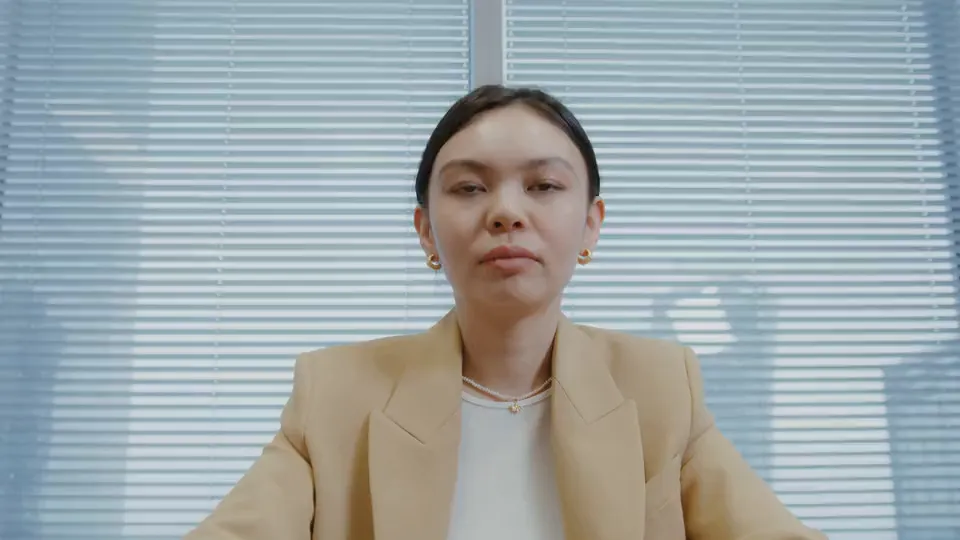
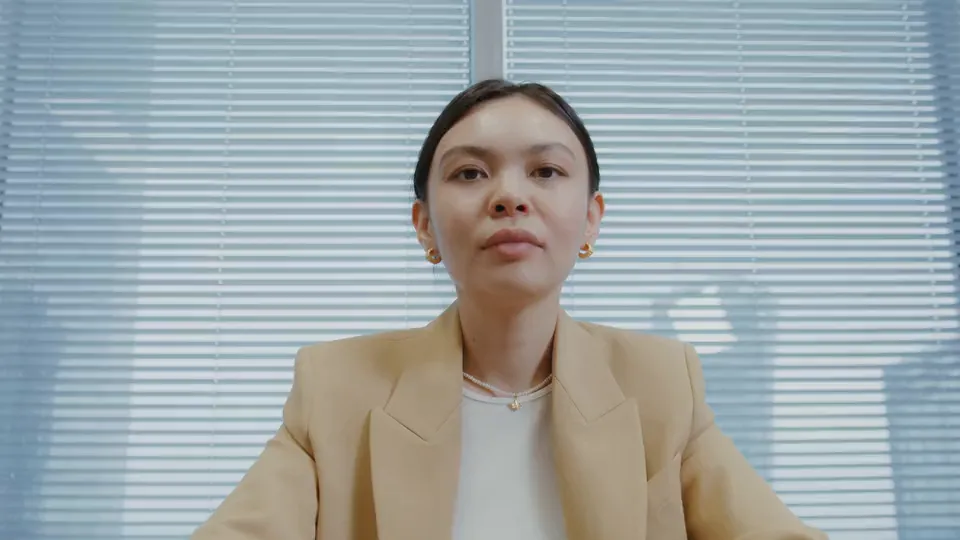
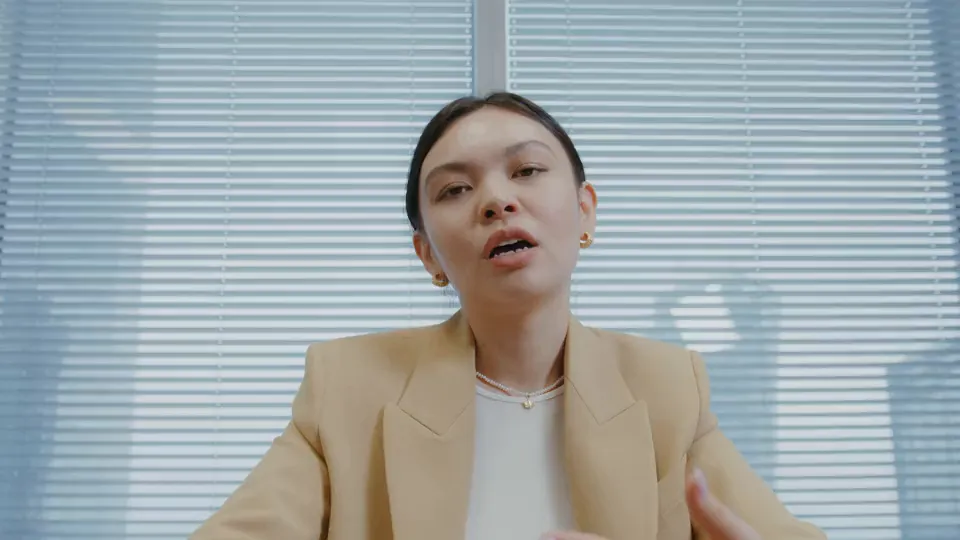
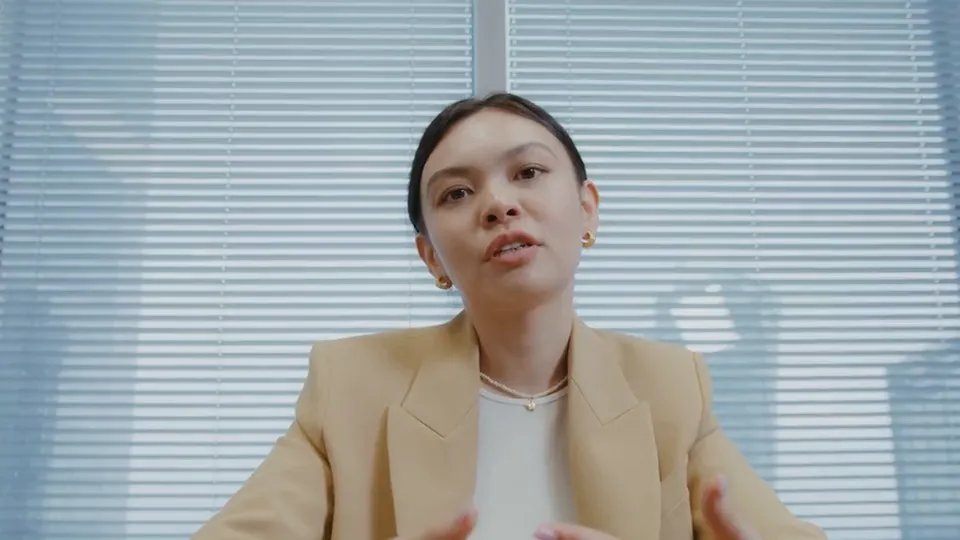
SAMPLE FOOTAGE · ONE RESPONDENT, FOUR TAKES
Each question is a contained take with its own re-record. Answering one small question is easy — and 2–5 small answers stitch into a story no monologue matches.
Record. Review.
Walk away.
The respondent never sees complexity — one question at a time, a re-record button that only touches the clip they hate, and a submit that doesn't make them wait for processing.
Each guiding question becomes its own short take — up to 60 seconds, with a countdown warning in the final stretch. No script to hold in your head.
Hated clip 3? Re-record just clip 3 — the other takes stay untouched. Then optionally reorder clips before the stitch. Or skip review entirely.
The stitch runs on our side. Respondents don't wait for processing — they submit, close the tab, and the finished video lands in your inbox.
The questions become
the chapters.
Between takes, the finished video can show each question as a styled title card — so the story narrates itself without a voiceover. Your colors, your text size, your animation. Try it.
These are the real controls from the form builder — plus a 2–5 second hold per card. What you style here is what renders between the takes.
Two questions and a toggle away from your first stitched story.
Start free — no cardIt arrives as a normal
video testimonial.
Your widgets don't know it was recorded in 2–5 takes. The stitched video lands in your inbox with auto English captions and a transcript — and you can download the MP4 for 7 days.
Carousels, walls, badges — plays like any video testimonial
Full-length on your public proof page
One link per testimonial, ready to send
Source footage for the social video studio
Flip a switch.
Keep your questions.
Multi-clip isn't a separate form type — it's a mode on the video questions you already have. Setup is three decisions, not thirty.
Any video question on any form can switch to clip-per-question mode — one toggle in the builder, on the Business plan.
The guiding questions you already wrote become the prompts — at least 2, up to 5. Each one is a separate take.
Slide the per-clip cap anywhere from 15 to 60 seconds, style the title screens, pick a transition, drop in your logo. The combined video stays under 5 minutes.
Four story shapes
worth stealing.
You don't need clever questions — you need a shape. Copy one of these question sets into your form's guiding questions and multi-clip does the rest.

The story arc every prospect actually wants: where they were, what broke, why you.

The before/after contrast lands harder when the customer narrates both halves themselves.

Short, concrete moments — where your product shows up in a normal day. No superlatives needed.

The five-beat case study — recorded in five takes instead of written in five weeks.
Limits, formats,
and what you control.
Every number below is enforced in the product — nothing aspirational, nothing rounded up.
One plan has it.
Every plan records video.
Multi-clip is a Business-plan capability ($79/mo). Single-take video recording — and everything the stitched video plugs into — exists on every plan, including Free.
Asked before
you ask.
Which plans include multi-clip recording?
Business ($79/mo). Every plan records single-take video; on Business, any video question can switch to clip-per-question mode with a toggle.
How many clips can one video have?
Between 2 and 5 — each guiding question on the form becomes one clip. You set a per-clip cap between 15 and 60 seconds, and the combined video is capped at 5 minutes.
Does my customer have to wait while the video is stitched?
No. Stitching runs on our side after they submit — they can close the tab immediately. If a render hits a snag, it retries automatically in the background, and you get an in-app notification when the finished video lands.
What if a clip goes wrong?
Re-records are unlimited and per-clip — redoing question 3 never touches questions 1 and 2. Uploads happen clip-by-clip as they record, and a failed upload gets a retry button instead of losing the take.
What are the question title screens?
Optional styled cards shown before each clip in the finished video — your background and text colors, 3 text sizes, 4 animations, and a 2–5 second hold. They turn five short takes into a narrated story.
Where can I use the stitched video?
Everywhere a video testimonial works: widgets, your Wall of Love, share pages, and as source footage for social cuts. It arrives with auto English captions and a transcript, and you can download the MP4 for 7 days.
What do respondents need to record?
Just a browser — Chrome, Edge, Firefox, or Safari 14.5+ on desktop or mobile. There's a capability check before any permission prompt, so unsupported browsers (like in-app social browsers) get a clear message instead of a dead end.