Video testimonialswithout the film crew
Send one link. Your customer records on their phone, with your questions on screen and as many retakes as they like. You trim it, approve it, and it plays on your site in any of 13 video layouts.
- Free plan forever
- No card needed
- 2 videos on Free
- Your customer records
- You approve
- It plays on your site
Hear it from our customers
A simulation: no camera turns on, nothing is recorded or sent. The person is sample footage.
Plays on the site you already have
 Webflow
 WordPress
 Framer
 Squarespace

 Shopify
- Any HTML page
The camera was never the hard part
The usual way
8 steps- Email to ask if they’d do a video call
- Find a time that suits you both
- Record the call and download the file
- Cut the best minute in a video editor
- Upload it to a video host
- Type out the captions
- Paste the embed code into your site
- Start again with the next customer
With ReTestimonial
3 steps- Send your customer one link
- They press record on their phone
- You approve it, and it plays on your site
Already filmed one on a call? Upload the file, or link it from YouTube, Vimeo, Loom, Wistia or Vidyard.
“I’ll do it later.”
The link opens in the browser on their phone. No app to install, no account, no call to book.
“What do I even say?”
Your guiding questions sit on the form, right under the camera, while they talk.
“Can I try that again?”
They watch it back and re-record as often as they like before anything is sent.
From the ask to your homepage in three steps
- Step 1
Share one link
Send it in an email or a message, print it as a QR code for the counter, or put the form on your own site.
Smart Invites send it after each purchase, from Premium - Step 2
They record
On the phone already in their hand: a mirrored preview, a timer, then Re-record or Use this video. Or they upload a clip they already have.
- 2 minFree and Pro
- 3 minPremium
- 5 minBusiness
- Step 3
You approve
It arrives as Pending, already streaming. Approve it and choose the widgets it plays in, or let a widget set to auto sync pick it up by itself.
People skim what you say about yourself. They watch what your customers say about you.
Made for the person in front of the camera
Most of your customers have never recorded a testimonial. The form walks them through it, on whatever they have to hand.
- Opens in the browser on any phone or laptop, Safari and Chrome alike. No app, no account.
- A mirrored preview and a running timer. The recorder stops by itself at your plan’s limit, so nobody loses a take.
- Re-record until they like it, then Use this video. Nothing is sent before that.
- A clip they filmed earlier? They can upload the file instead, or you can switch uploads off for fresh takes only.
- Reward a video answer differently from a written oneFrom Pro
The longest video, by plan
- 2 minFree and Pro
- 3 minPremium
- 5 minBusiness

Up to 5 short takes of up to 60 seconds, one prompt each. They can redo any take on its own, then the takes are joined into one video with a title screen before each.
Watch how it works2:01, plays Multi-clip recording: short answers, one complete story
Fix it before anyone sees it
Plays 0:01.5 to 0:07.0of 0:08.0
Trim video
Cut a slow start or a long goodbye. The trim holds in your widgets, walls, the video’s own page, its embed link and social videos. The file itself is never cut, so you can widen it again later.
- Each video is transcribed automatically, and the transcript becomes its captionsFrom Pro
- Download the original MP4From Pro
- AI reads each transcript for its sentiment, themes and up to eight quotes, word for wordPremium+
- Turn a frame of the video into an image for a post or a slideEvery plan
Thirteen ways to put a face on your homepage
An asymmetric bento layout with a featured testimonial.
Live widget, sample footageAnd 8 more in the builder: Video Theater, Video Bubbles, Video Spotlight, Video Ticker, Video Chat, Video Playlist, Floating Video CTA, Video Pull Quote.
- Inside every other widgetCarousels, grids, lists, sliders, badges and avatar rows play video cards too.
- On your Wall of Love4 video card styles: Glass, Minimal, Classic, Cinematic.
- On a page of its ownEvery video gets a share page of its own, ready to send to a prospect who asked for proof.
- Anywhere you can pasteEmbed a single video in a blog post or a help article. It keeps the video’s own shape, even a vertical one.
Every layout uses the same player: mute and full screen, a stream that fits each visitor’s connection, and from Pro, captions on by default.
Know which videos people watch to the end
For every video: views, how far each play got, how many finished, and where it was played. Put the one people finish where buyers decide.
- Views, and the share that passes a quarter, half, three quarters and the end
- Plays in a widget, on the video’s own page and through its embed link, apart
- Send plays and finishes to Google Analytics 4 or Tag ManagerFrom Pro
| Video | Views | How far they got | Finished |
|---|---|---|---|
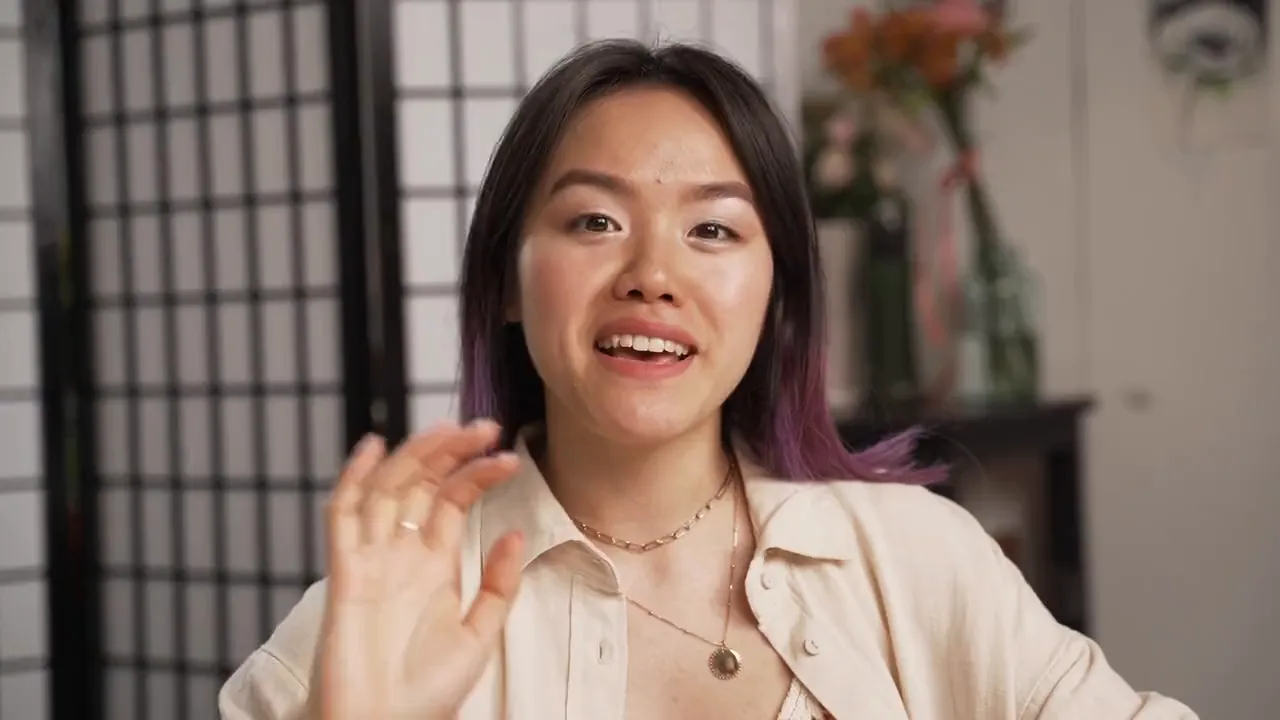 Why we switched | 680 | 61% | |
 The first week | 465 | 38% | |
 Setting it up | 420 | 33% | |
 A year in | 240 | 70% | |
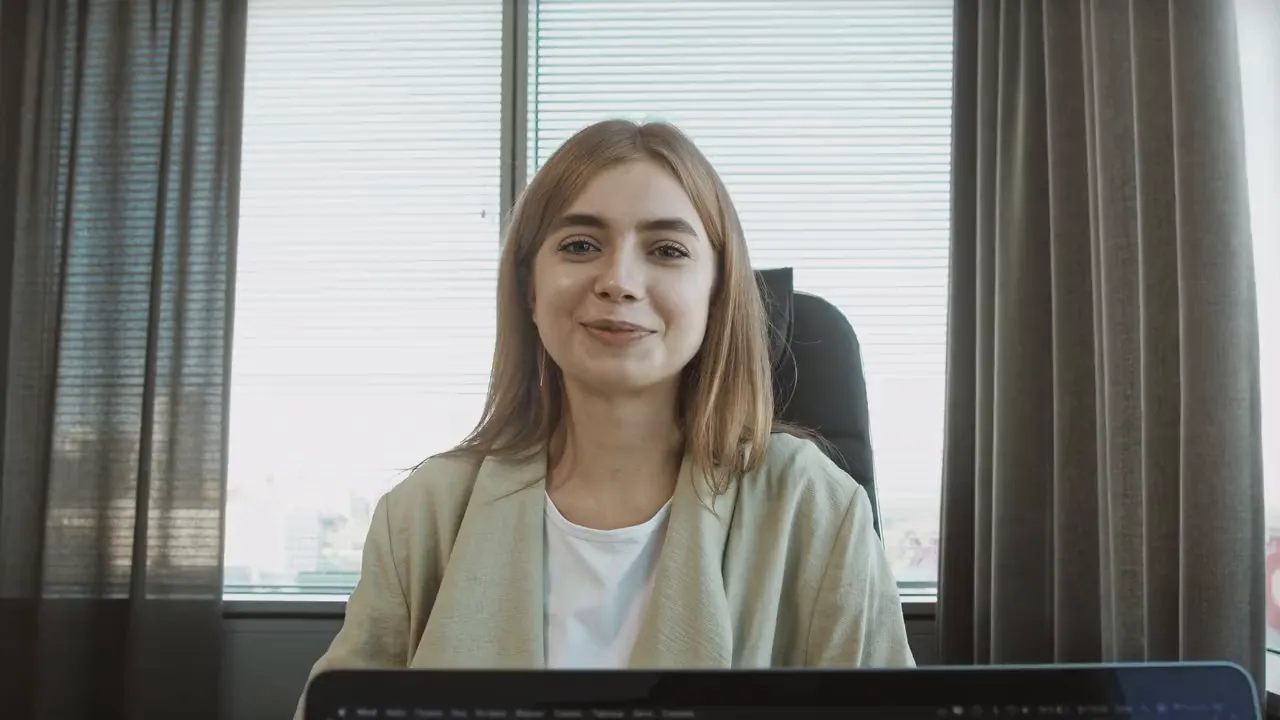 Day to day | 145 | 24% | |
 What I’d tell a friend | 67 | 45% |
Start free. Grow into more video.
| Video | Free$0 | Pro$29/mo | Premium$49/mo | Business$79/mo |
|---|---|---|---|---|
| Video testimonials | 2 in all | 10 per project | Unlimited | Unlimited |
| Longest video | 2 min | 2 min | 3 min | 5 min |
| Largest upload | 50 MB | 100 MB | 150 MB | 250 MB |
| Transcripts and captions | Not included | Included | Included | Included |
| Video analytics | Not included | Included | Included | Included |
| Your welcome video on the form | Not included | Included | Included | Included |
| Download the original MP4 | Not included | Included | Included | Included |
| Social video exports a month | Not included | 5 | 25 | Unlimited |
| AI reads every transcript | Not included | Not included | Included | Included |
| One question at a time (multi clip) | Not included | Not included | Not included | Included |
| No ReTestimonial branding | Not included | Included | Included | Included |
What people ask before their first video
Do my customers need an app or an account?
No. The link opens your form in the browser they already use, on a phone or a laptop. They see themselves in a mirrored preview, record with the front camera, watch it back, and choose Re-record or Use this video. If they already have a clip, they can upload the file instead, unless you switch uploads off.
How many video testimonials do I get for free?
2 on the Free plan, with no card. Pro gives you 10 per project, and Premium and up have no limit. Videos you archive, reject or mark as spam don't count toward it.
How long can a video be?
Up to 2 minutes on Free and Pro, 3 on Premium, 5 on Business. The recorder stops by itself at the limit, so nobody loses a take. Uploaded files can be up to 50 MB on Free, 100 MB on Pro, 150 MB on Premium, 250 MB on Business.
What if my customer freezes or rambles on camera?
Your guiding questions sit on the form while they record, and they can re-record as often as they like. You can trim the start and end before anyone sees it. On Business, they can answer one question at a time instead: up to 5 short takes of up to 60 seconds, joined into one video with a title screen before each.
How do transcripts and captions work?
From Pro, every recorded or uploaded video is transcribed automatically, in English, a few minutes after it arrives, and the transcript becomes the captions in the player. Words the transcript may have misheard are marked for you to check. Correct any word and the captions follow; regenerate the transcript from the video if you change your mind.
Where can I show video testimonials?
In 13 video widget layouts, inside carousels, grids, lists and the other widget types, on your Wall of Love in 4 video card styles, on a page of its own for each video, through an embed link you can paste anywhere, and as social videos.
Can I add videos I already have?
Yes. Upload the file to a testimonial, or link a video from YouTube, Vimeo, Loom, Wistia or Vidyard. A linked video plays in that platform's own player, so it gets no transcript, captions or social cut from us.
Can I post a video testimonial on social media?
Yes. The social video studio turns a recording into a branded clip with captions burned in, in up to 4 shapes from one export. Video exports start on Pro, and you can download the original MP4 from Pro too.
How do I know my customer agreed to share it?
Add a Permission page to the form, in your own words. Their tick is kept with the testimonial, with the date and the exact wording they agreed to, and nothing goes on your site until you approve it.
What if a customer asks me to take their video down?
Archive it and it leaves your widgets and walls, or delete the testimonial and the video file is deleted from our hosting with it.
Your first video testimonial is one link away
Start with the Conversational template, send the link to a customer who already likes you, and watch it arrive.
Start collecting videos free- Free plan forever
- No card needed
- 2 videos on Free

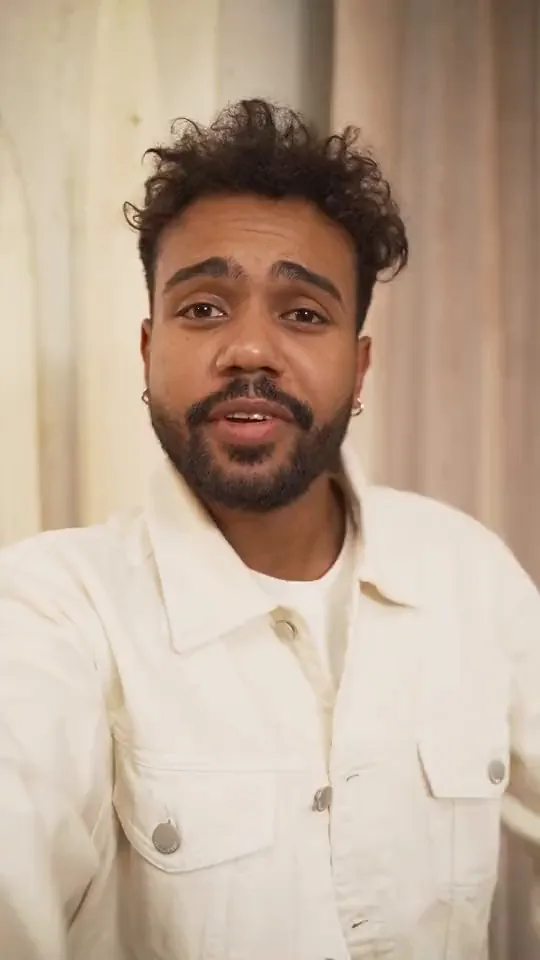

One recording, every feed
Pick one of 7 social templates made for video and the studio renders your customer’s clip with captions burned in and your brand on it, in up to 4 shapes from one export.
- Video exports a month: 5 on Pro, 25 on Premium, unlimited on BusinessFrom Pro
- It suggests the strongest 15, 30 or 45 seconds, cut between whole sentences, or you choose
- Music from 11 tracks or your own, quieter while they speakFrom Pro
- Customer Montage cuts several customers into one clipFrom Premium
- A captions file comes with every video export, for the platforms that take one
The social video studio